
I have been involved with the ELAN Control System for over 8 years, and in that time I’ve trained installers, provided technical support and sold and programmed many systems and yes I really like the ELAN Control System 🙂 … it just works.
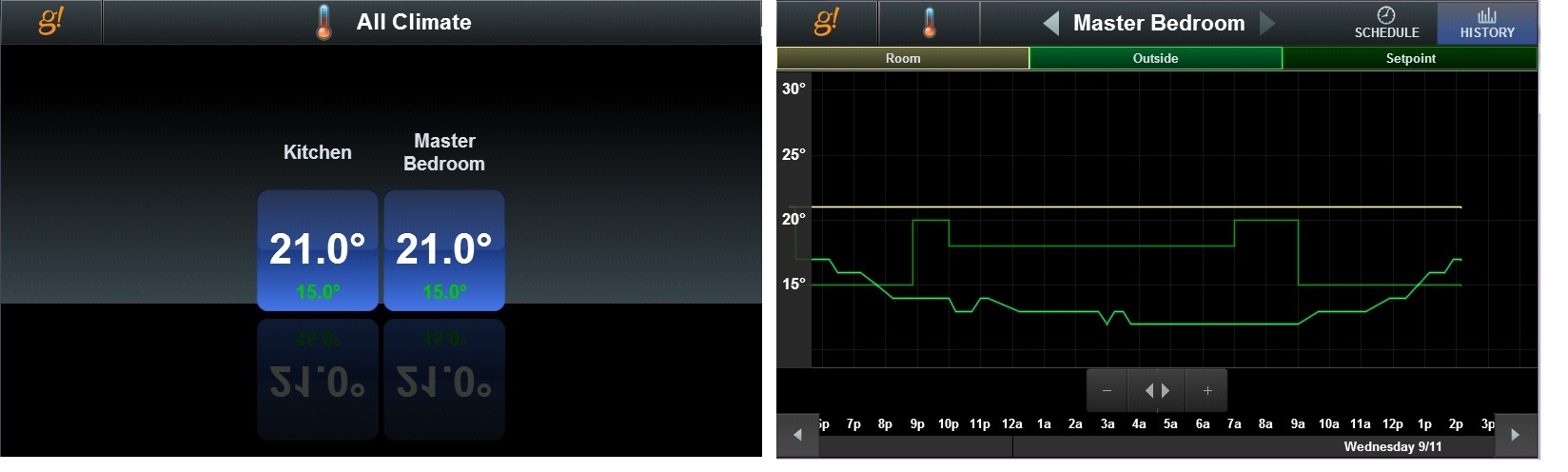
One of the things I really like is the ability to customise the user screen by changing or adding back ground photos. So this blog post is a quick how-to-walk-through.
Firstly, your ELAN system must be one of the SC controllers on a fairly recent firmware version, at least Version 8.4 Release 10 (when you go into the settings page, the version number is on the bottom left hand corner).
So, these are the steps you need to follow to get started:
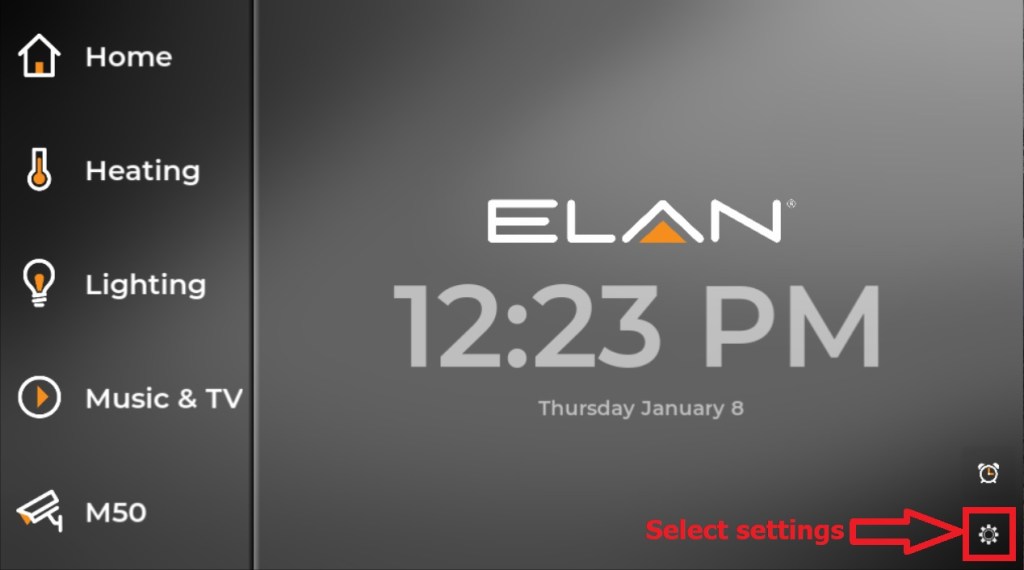
Step 1 Go to Settings Page


 avctrl.co.uk
You must be logged in to post a comment.